


Table of Contents
In today’s digital world, slow internet can be very frustrating. Whether you are working from home, studying online, or streaming movies, a slow Wi-Fi connection can ruin your day. The good news is there are easy ways to make your Wi-Fi faster without spending a lot of money. In this guide, we at hindikhabra.in will share simple tips to boost your Wi-Fi speed at home.
Why Wi-Fi Can Be Slow
Before learning easy ways to make your Wi-Fi faster, it’s important to understand why your internet might be slow. Common reasons include:
- Your router is old or outdated.
- Too many devices are connected at the same time.
- Interference from walls or other electronics.
- Your internet plan may not be fast enough.
- Incorrect router placement in your home.
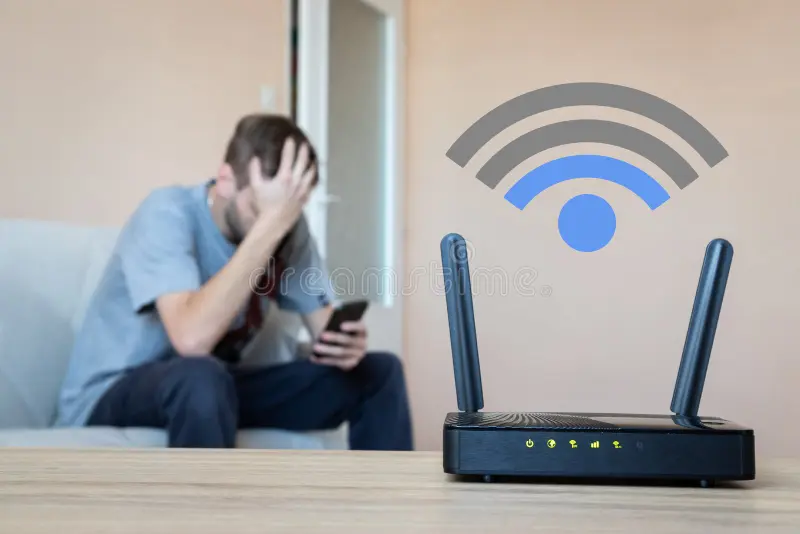
Easy Ways to Make Your Wi-Fi Faster
1. Place Your Router in a Central Location
One of the simplest ways to improve Wi-Fi speed is to place your router in the center of your home. Avoid corners or areas near walls and metal objects. A central location allows the Wi-Fi signal to reach all rooms evenly.
ADVERTISEMENT
2. Limit the Number of Connected Devices
Too many devices using the same Wi-Fi can slow it down. Disconnect devices that are not in use and prioritize devices that need fast internet, like your computer or smart TV.
3. Use a Strong Password
If your Wi-Fi network is open or has a weak password, neighbors or strangers may use your internet. Using a strong password prevents unwanted users and keeps your Wi-Fi fast.
4. Update Your Router
Old routers may not support modern internet speeds. Check your router’s firmware and update it regularly. If your router is very old, consider buying a new one with better speed and coverage.
5. Use a Wi-Fi Extender
If your home is large, a Wi-Fi extender can help. These devices boost your signal and reach areas where your Wi-Fi is weak, ensuring faster internet everywhere.
6. Reduce Interference
Electronic devices like microwaves, cordless phones, and baby monitors can interfere with your Wi-Fi signal. Keep your router away from these devices to maintain better speed.
7. Change the Wi-Fi Channel
Routers use different channels to send signals. If many nearby networks use the same channel, it can slow your Wi-Fi. Access your router settings and try changing the channel to reduce interference.
ADVERTISEMENT
8. Restart Your Router Regularly
Sometimes, simply restarting your router can improve speed. Restarting clears memory and allows your router to work efficiently.
9. Upgrade Your Internet Plan
If you’ve tried all tips and your Wi-Fi is still slow, it might be your internet plan. Contact your provider and consider upgrading to a plan with higher speed.
FAQ
Q1: How can I test my Wi-Fi speed?
You can test your Wi-Fi speed using online tools like Speedtest.net or Fast.com. These tools show your download and upload speeds and help you see if you are getting the speed promised by your provider.
Q2: Will Wi-Fi boosters really make my internet faster?
Yes. Wi-Fi boosters or extenders can improve coverage in areas where your signal is weak. They don’t increase your total internet speed but help distribute it better across your home.
ADVERTISEMENT
Q3: Can a new router make a big difference?
Absolutely. Modern routers support faster speeds and multiple devices. If your router is old, upgrading can significantly improve your Wi-Fi performance.
Q4: Does the location of the router matter?
Yes. Placing your router in a central, open area without obstacles ensures the signal reaches every corner of your home, improving overall speed.
Q5: How can I reduce Wi-Fi interference?
Keep your router away from devices like microwaves, cordless phones, or thick walls. Changing your Wi-Fi channel in the router settings can also reduce interference.
Q6: Do software updates affect Wi-Fi speed?
Yes. Keeping your router firmware and device software up to date ensures better compatibility and faster internet performance.
Q7: Is using a wired connection better than Wi-Fi?
For maximum speed and stability, a wired Ethernet connection is usually faster than Wi-Fi, especially for gaming or large file downloads.
Q8: How do I know if I need a new router?
If your router is more than 4–5 years old, frequently disconnects, or cannot handle multiple devices efficiently, upgrading may help.
Q9:Do background apps affect Wi-Fi speed?
Yes. Streaming apps, cloud backups, software updates, and downloads running in the background can use bandwidth and slow your connection.
Q10: How can I test my Wi-Fi speed?
You can use online speed test tools to check your download speed, upload speed, and latency to identify performance issues.
Conclusion
Improving your internet doesn’t have to be complicated. By following these easy ways to make your Wi-Fi faster, you can enjoy smoother streaming, faster downloads, and better work-from-home productivity. Start with simple steps like placing your router centrally, limiting connected devices, and updating your router. Visit hindikhabra.in for more easy tech tips and guides to make your digital life simpler.
READ MORE : hindikhabra.in CHATGPT
Disclaimer
All news on Hindi Khabra are computer generated and provided by third party sources, so read and verify carefully. Hindi Khabra will not be responsible for any issues.